
The calendar that replaces your booking spreadsheet
Each unit has its row and every stay its place. Colors show payment status; cleaning, maintenance and channels complete the picture without opening several screens.
Move a booking by dragging it
Drag a booking to change rooms or dates. Before confirming, the system shows the price difference and checks for overlaps. Navigate day by day with arrow keys and pan the grid with the mouse.
Every room’s status at a glance
Each room shows whether it is clean, dirty or under maintenance. Group bookings highlight together, while Booking and Airbnb reservations have distinct colors.
- Configurable colors by booking status.
- Monthly grid or weekly view.
- Full-screen mode for the front desk.
Search and filter without losing the grid
Find bookings by name, ID, code or email and jump to their dates. Room-type and status filters open in a compact panel that saves screen space.
Full management from the calendar
Open a booking’s full record in a side panel for payments, charges, check-in, editing and room changes without leaving the calendar.
On your phone
The seven-day view fits your phone, with the same colors and information.
Daily cleaning, deep cleaning and day use
Mark daily or deep cleaning in the grid and identify same-day arrivals and departures. Manage payments, units and dates from the booking record while keeping the calendar in view.
Booking calendar, in detail
- Daily and deep cleaning from the calendar
- Day-use stays
- Monthly grid and weekly views
- Drag to change room or dates
- Cleaning and maintenance status per room
- Colors by payment status and channel
- Search and filters by type and status
- Create a booking on a free day
- Keyboard and drag navigation
- Mobile version
Need a different workflow? We adapt the system to your property and develop the features you need. Custom development
Everything connected in one system
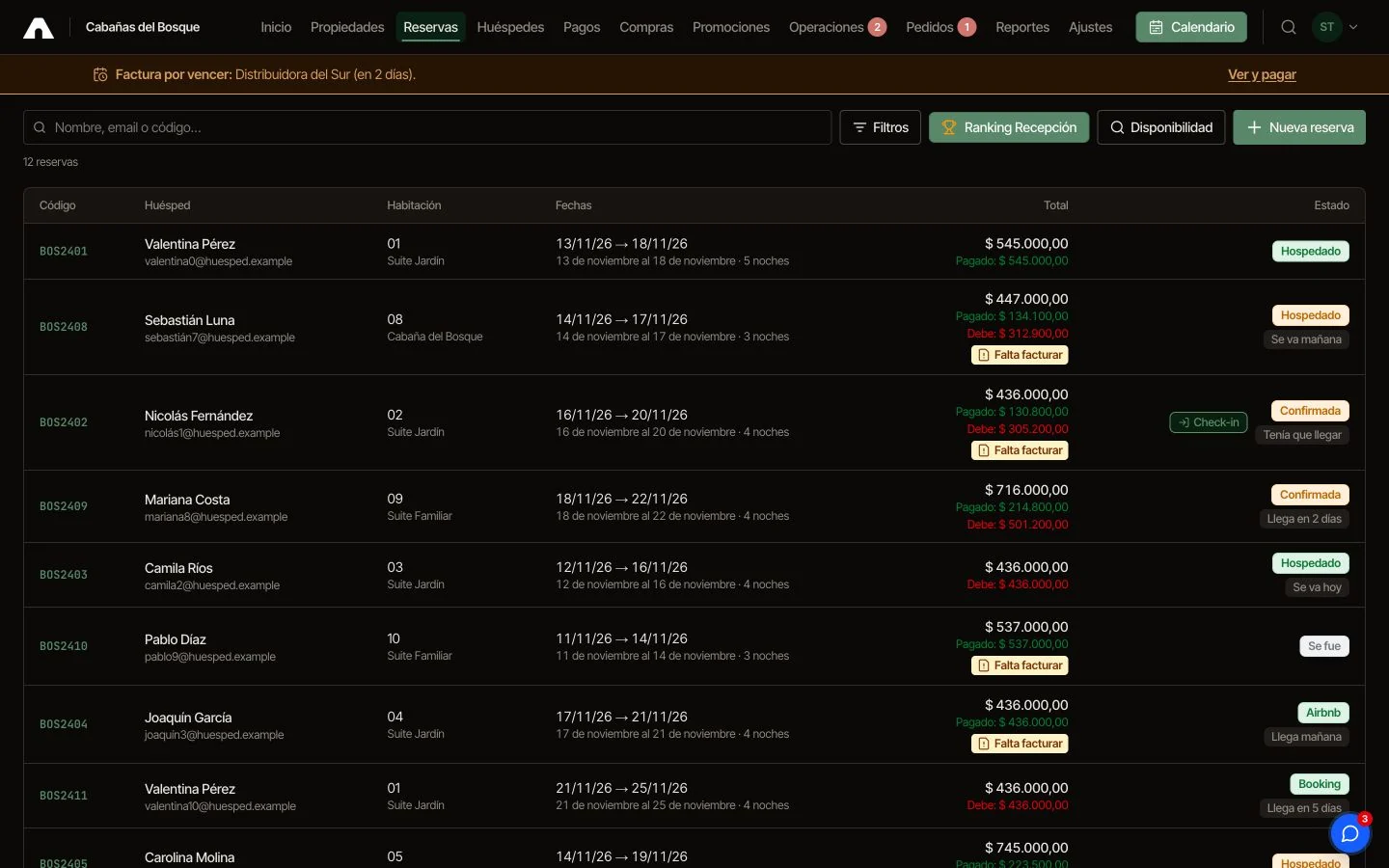
Booking management
Provisional bookings, groups, extensions, quotes by link, payments and invoicing from the booking record.
See how it works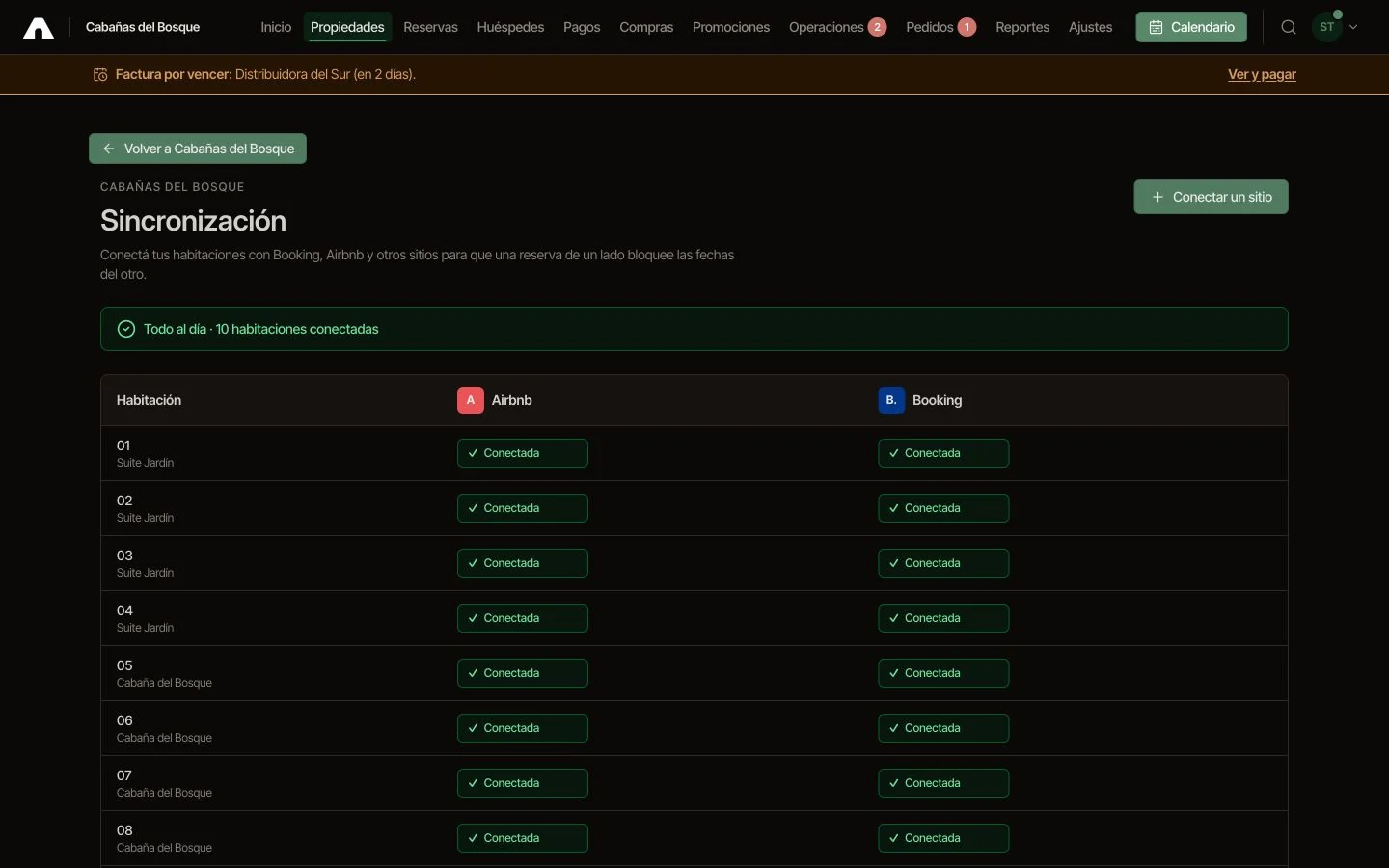
Channel synchronization
All OTAs connected and certified Despegar channel manager.
See how it works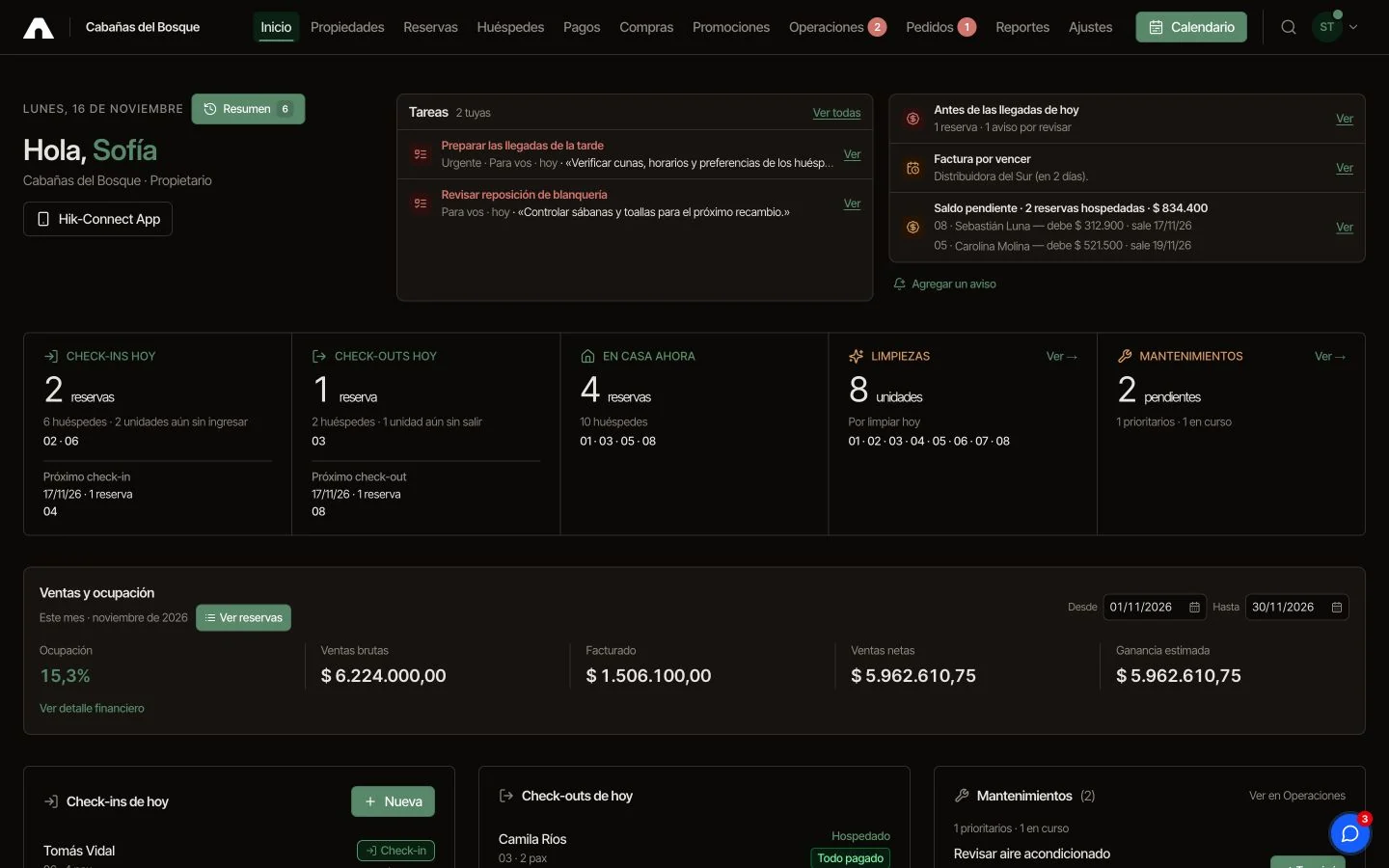
Daily dashboard
Arrivals, departures, balances due, tasks and scheduled notices for each shift.
Ver cómo funciona