
Issue ARCA invoices from the PMS
Connect the property’s tax account and issue documents from individual or group bookings. Review recipient, description and amount before confirming; authorized documents can be viewed, downloaded or sent.
- Connect the account
- Issue from the booking
- View and send documents
Connect the account
Enter the CUIT and review ARCA’s returned details. The assistant guides certificate and point-of-sale setup, with a connection test and expiry notice.
Issue from the booking
Choose account and recipient, review accommodation, charges and VAT, then confirm. The PMS supports A, B or C invoices according to account and recipient, and T invoices for authorized accounts.
View and send documents
Download the PDF or email it to the guest or company. Credit notes link to the original invoice; reports track issued documents and bookings awaiting invoicing.
ARCA electronic invoicing, in detail
- Issue from individual and group bookings
- A, B, C and T invoices subject to authorization
- Credit notes linked to their invoice
- PDF and email delivery
- Tax information lookup by CUIT
- Invoice and certificate tracking
Need a different workflow? We adapt the system to your property and develop the features you need. Custom development
Everything connected in one system
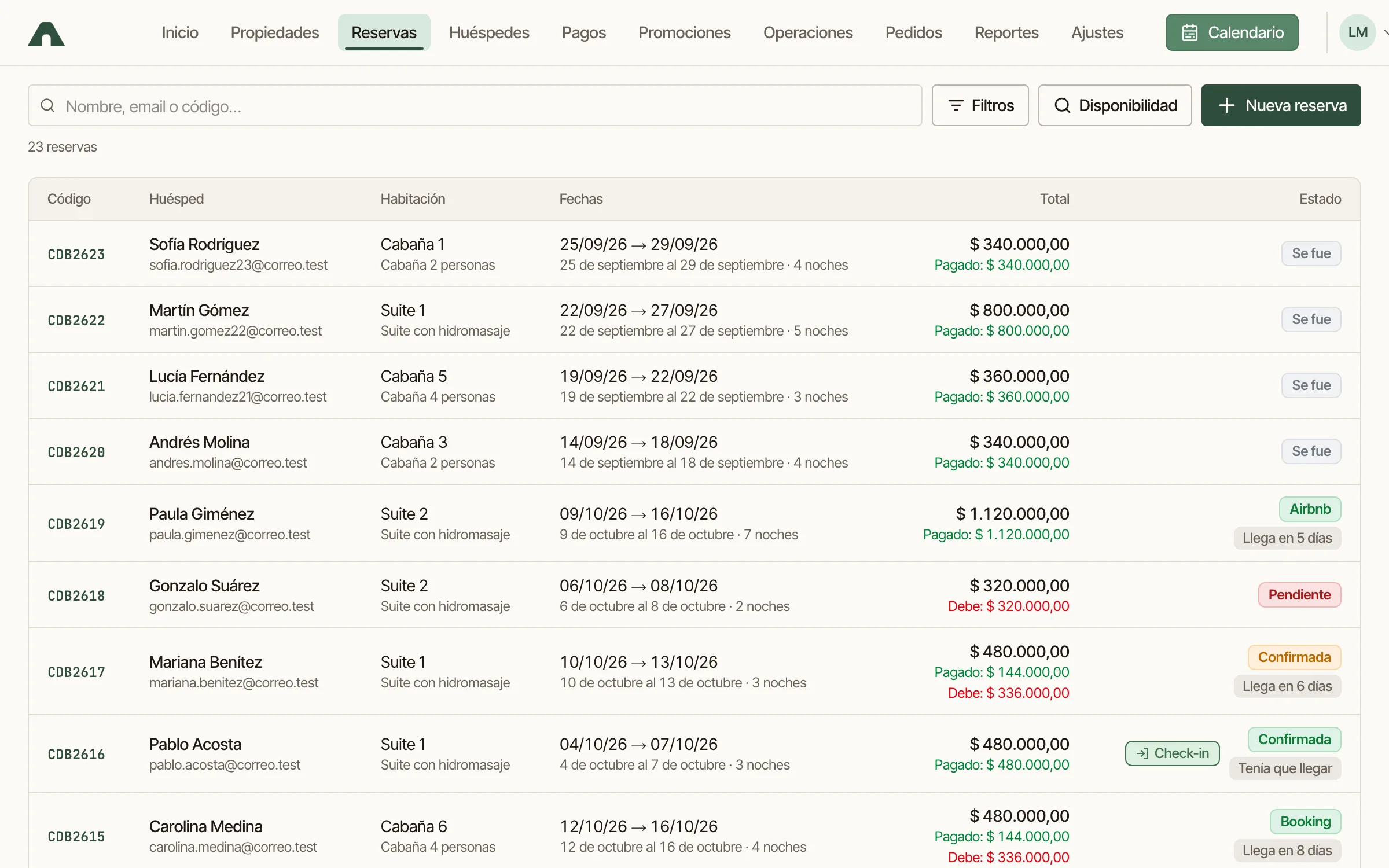
Booking management
Provisional bookings, groups, extensions, quotes by link, payments and invoicing from the booking record.
See how it works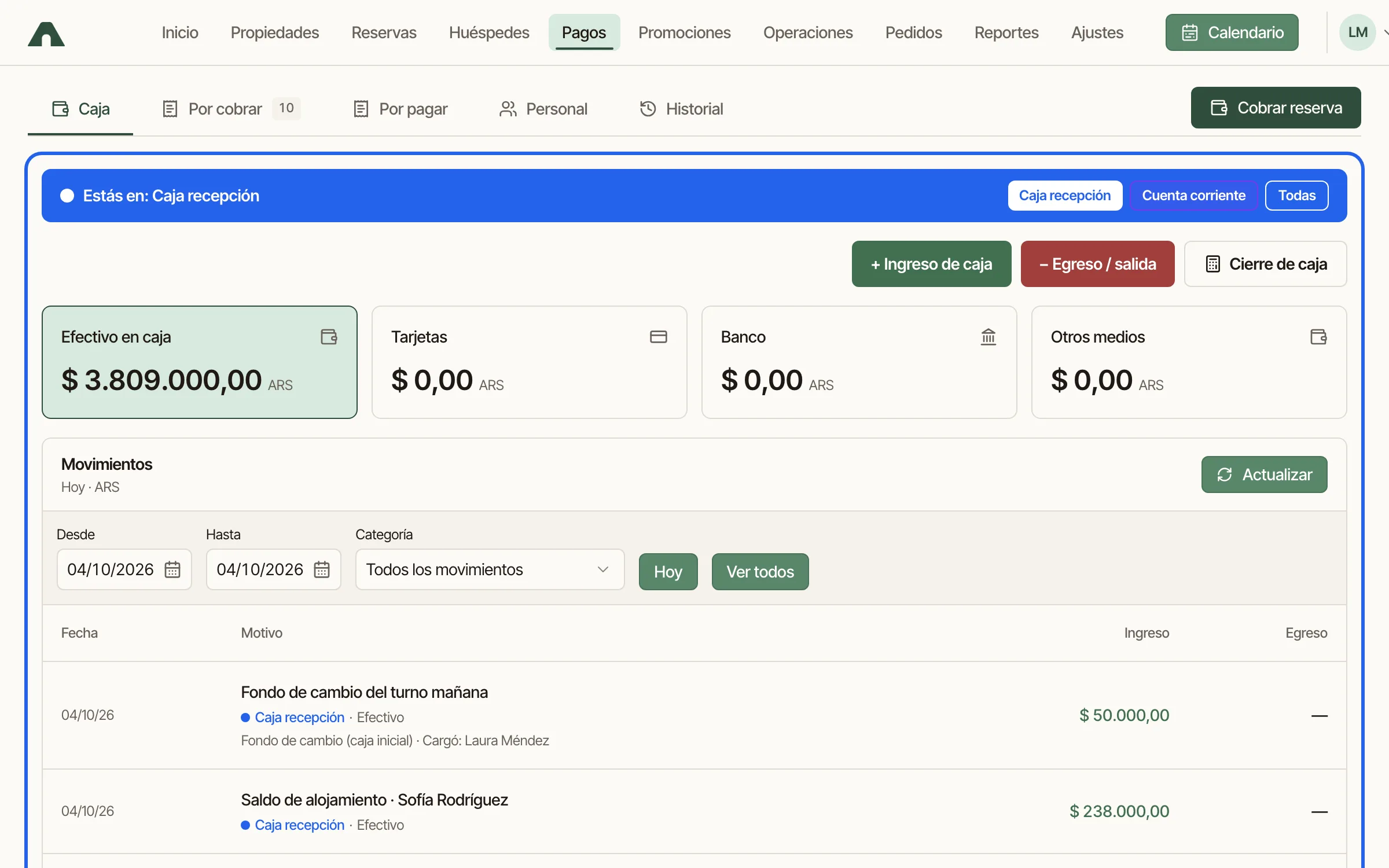
Payments, methods and cash management
MercadoPago, cards, transfers and cash, with separate registers and shift closing.
See how it works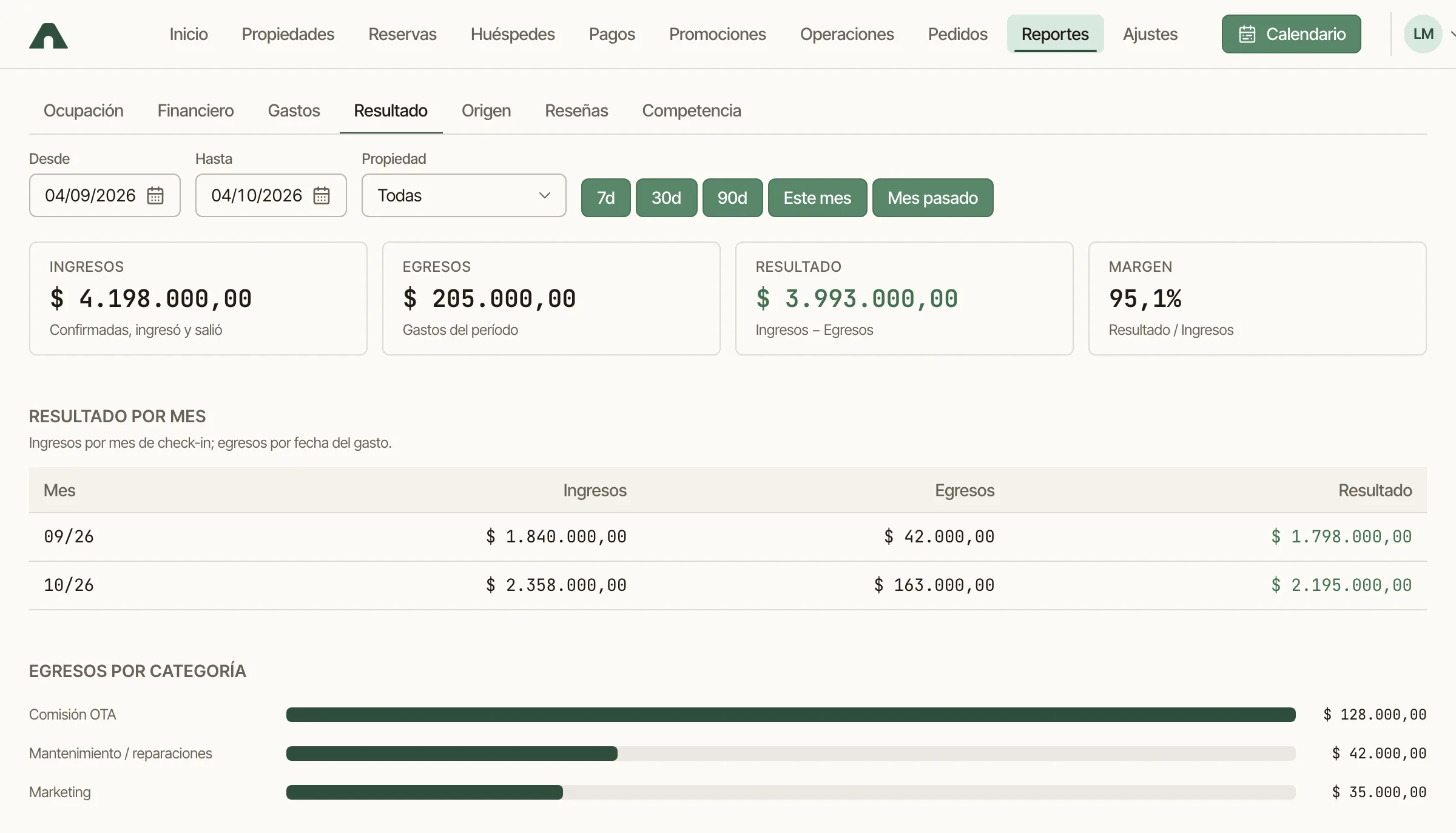
Reports
Occupancy, results, invoicing, channels, team rankings and Booking competition.
See how it works